
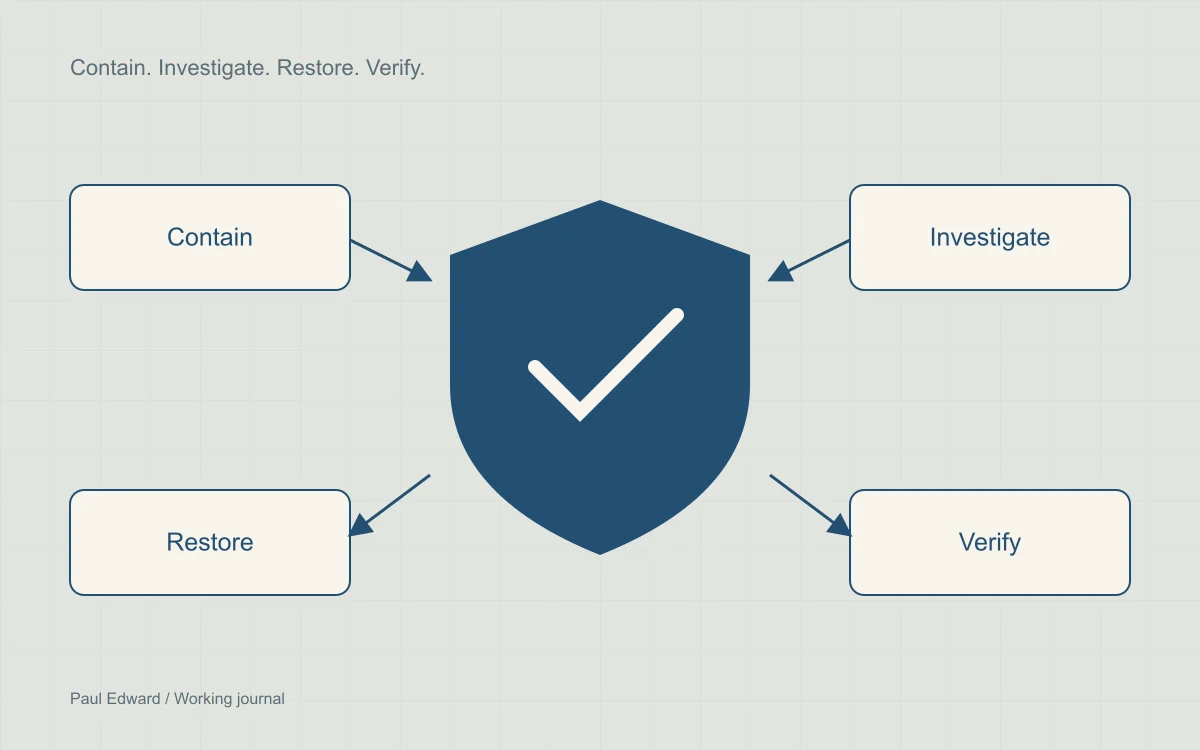
Contain the incident before cleaning
Unexpected redirects, unknown administrator accounts or search results containing spam can indicate a compromise. A clean plugin scan does not rule one out. Equally, one symptom does not prove a particular backdoor or attack technique. Investigate what the server actually serves to different sessions and devices.
Protect visitors first. Restrict access or temporarily disable affected functions if harmful content or payment interception is possible. Zero downtime is not a sensible promise when keeping a compromised service online may expose more people.
Preserve evidence and map the scope
- Keep a dated copy of files, the database and available access, error and authentication logs in a restricted location. Record the current time zone and changes you make.
- Inventory domains, hosting accounts, WordPress installations, administrators, plugins and deployment credentials that share access.
- Look for unexpected changes in core files, must-use plugins, uploads, scheduled tasks, server configuration and database options.
- Establish the earliest known suspicious activity before selecting a backup. A recent backup may already contain the compromise.
Check integrity from a trusted environment
WP-CLI checksums can identify differences from official packages. Use trusted tooling on a copy or controlled environment. Some commands can load site code; a compromised installation is not a trustworthy execution environment.
wp core verify-checksums --include-root
wp plugin verify-checksums --all --strict
These checks do not establish that the whole site is clean. Custom and commercial plugins may not have public checksums. Database payloads, server-level persistence and stolen credentials need separate investigation. A mismatch may also be a legitimate modification that needs review.
Rebuild and close the entry point
Replace compromised components with trusted releases and review custom code. Patch or remove the vulnerable entry point; simply deleting an injected file leaves the cause unresolved. Inspect scheduled jobs, administrator accounts, database content, uploads and adjacent sites before reconnecting services.
After containment, rotate exposed hosting, deployment, database and application credentials, revoke sessions and refresh WordPress salts as appropriate. Apply least privilege and multifactor authentication. Limit executable code in uploads using configuration appropriate to your web server.
Verify recovery before reopening
- Test pages, forms, login and purchase flows from clean sessions.
- Check for unexpected outgoing requests, modified files and reappearing scheduled tasks.
- Confirm the backup can actually be restored in an isolated environment.
- Review Search Console security issues and request a review only after addressing the reported problem. Review timing is controlled by the provider.
Continue monitoring after reopening. Maintain a short incident record: scope, likely entry point, evidence, changes, unresolved questions and follow-up ownership. Avoid publishing customer data or raw sensitive logs in a public post-mortem.
Frequently asked questions
Should you restore a backup immediately?
A known-clean backup can be part of recovery, but first preserve evidence, check its date against the incident timeline, and fix the entry point. Plan how to reconcile legitimate orders or content created after that backup.
Does a clean security scan prove WordPress is safe?
No. A scanner can miss database injections, server-level persistence or compromised credentials. Combine file-integrity checks with account, log, database and scheduled-task review. Confirm the site serves expected content from clean sessions, and investigate the original entry point.
Should a hacked website stay online during cleanup?
The decision depends on the harm it may cause. If visitors could receive malware, deceptive redirects or intercepted payments, restrict the affected service while investigating. Preserving availability is not more important than containing an active compromise.
What should I check after restoring the website?
Verify forms, authentication and purchase flows; confirm the entry point is fixed; review unexpected files, accounts and outgoing requests; and test a fresh backup restoration. If Search Console reports a security issue, request review after resolving it. Continue monitoring because reopening is not the end of recovery.
Sources and further reading
Keep exploring
For hands-on assistance, see WordPress malware recovery. After recovery, check crawlability and search presentation.
Leave a Reply