
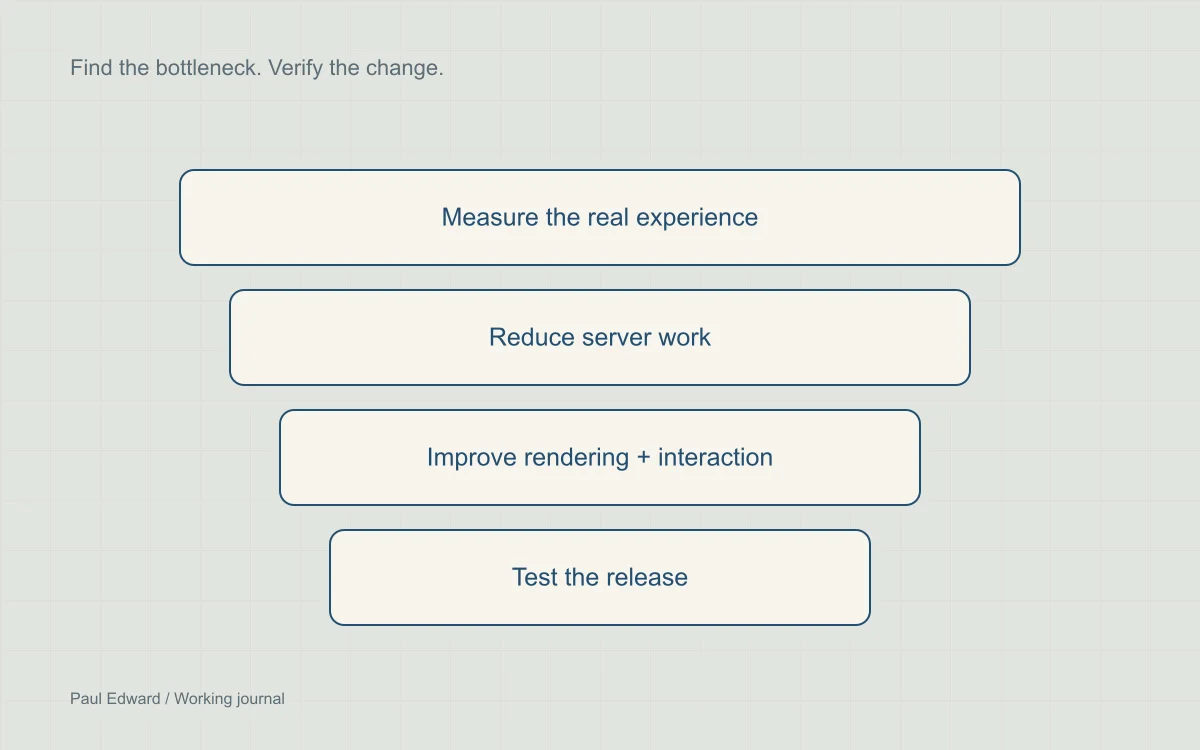
Use this checklist in order of evidence
This 47-point checklist is a working audit for WordPress sites. It does not promise a particular load time or score: hosting, content, visitor devices and business requirements differ. Start with the failing user experience, choose the relevant checks, and verify one class of change at a time.
Prioritize measured bottlenecks before advanced server tuning. A change that saves a small request but breaks checkout is a regression, even if a lab score improves.
Establish the baseline
- Choose representative home, article, archive, product and checkout URLs; include signed-in and anonymous sessions.
- Record hosting region, device, network conditions, browser and release version so later runs are comparable.
- Run repeatable lab tests more than once and retain the range, not just the fastest result.
- Check real-user LCP, INP and CLS where field data is available; distinguish URL data from origin data.
- Inspect the document request and separate DNS, connection and server-response delay.
- Capture a main-thread trace while reproducing the slow interaction, not only during initial load.
- Identify the actual LCP element and the request chain needed to display it.
- Save a restorable backup and define the key user flows that must still work after changes.
Reduce origin work
- Use a supported PHP release compatible with the site; validate upgrades in staging before production.
- Check OPcache health and capacity. Do not disable timestamp checks unless deployment explicitly invalidates the cache.
- Profile slow PHP paths and repeated database queries before changing server settings.
- Review remote API requests in page rendering; use appropriate caching and bounded timeouts.
- Check persistent object caching with the host and verify invalidation when content changes.
- Cache public HTML only where safe; bypass authenticated, cart, checkout and personalized responses.
- Confirm that two different users cannot receive one another’s cached data.
- Inspect CPU, memory and worker saturation under representative load before increasing concurrency.
- Validate scheduled task execution. If moving WP-Cron to a system scheduler, monitor missed and failed jobs.
- Inspect query plans before adding indexes; assess write overhead and test on a representative data copy.
- Review oversized autoloaded options with their owning plugin. Back up before targeted cleanup.
- Paginate large queries and avoid loading an unbounded collection into memory.
Improve rendering and interaction
- Remove unused scripts and styles only after checking menus, forms, checkout and editor requirements.
- Defer compatible scripts while preserving dependency order; async is not a substitute for ordered execution.
- Inspect render-blocking styles. Test any critical-CSS approach across templates and viewport sizes.
- Keep the LCP image discoverable in the initial HTML instead of inserting it late with JavaScript.
- Do not lazy-load the LCP image. Use high fetch priority selectively, then inspect the waterfall.
- Break expensive JavaScript into measured chunks and yield between them when appropriate.
- Batch layout reads and writes to avoid repeated forced layout.
- Remove unnecessary third-party widgets; delay optional ones only when their behavior and consent rules permit.
- Reserve dimensions for images, embeds and advertisements before their resources arrive.
- Check font fallback metrics and layout shifts; use font-display deliberately.
- Keep interactive controls usable with keyboard navigation and reduced motion.
- Test long pages and low-powered devices; a fast homepage does not prove every template is fast.
Deliver appropriately sized assets
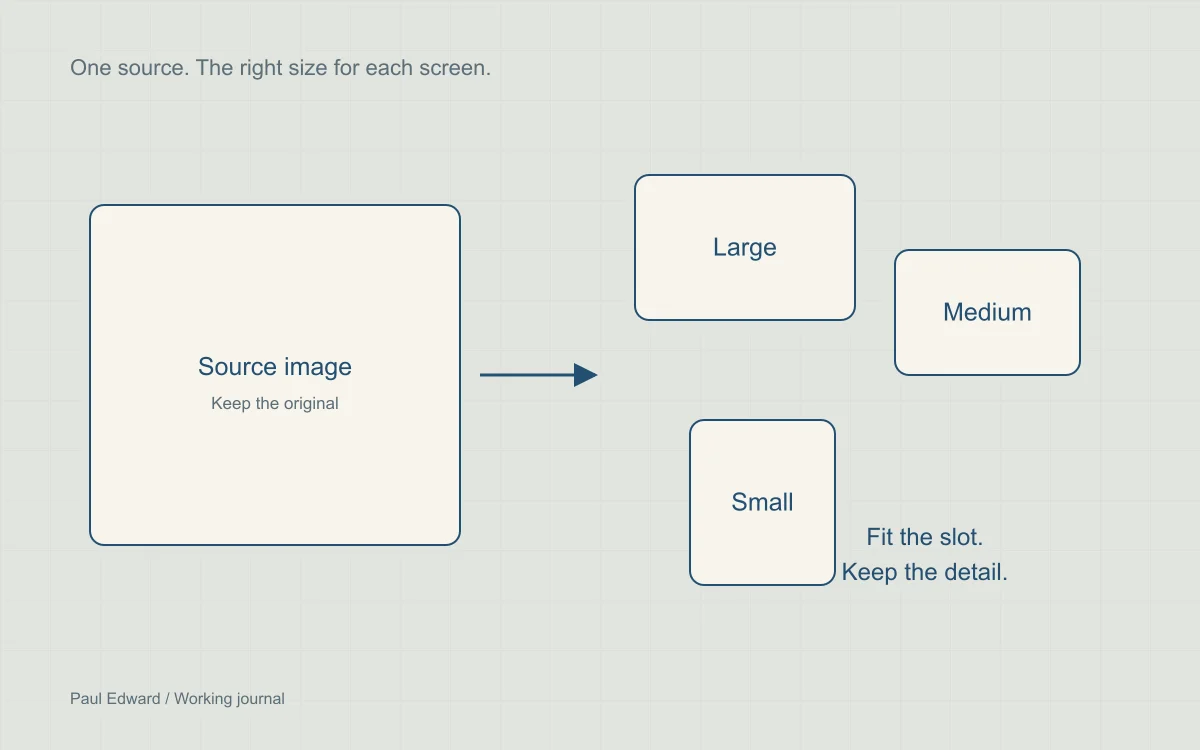
- Choose an image width for its rendered slot and expected pixel density.
- Compare AVIF, WebP and existing formats on the actual asset rather than assuming a fixed saving.
- Provide responsive srcset candidates and a sizes value that reflects the layout.
- Lazy-load off-screen images and use asynchronous decoding where appropriate.
- Keep essential labels and explanations as HTML; small text inside images is difficult to read.
- Self-host or otherwise minimize font requests; load only weights and character sets the site needs.
- Preload only truly critical assets after verifying the request waterfall.
- Check gzip or Brotli delivery for text assets and avoid recompressing already compressed images.
- Use long-lived caching for versioned static assets and change their URL when their content changes.
- Load video intentionally. Hiding a video with CSS alone does not guarantee its download stops.
Verify the release
- Test login, search, contact forms, cart and checkout after enabling any optimization.
- Inspect cache headers and content invalidation on edited pages.
- Repeat baseline lab tests with the same conditions and record both gains and regressions.
- Monitor field metrics over time; a release is not immediately reflected in a rolling data window.
- Set performance budgets and keep a change log so a later regression can be traced to a release.
Frequently asked questions
What should you fix first?
If the initial document is slow, profile the origin and cache behavior. If the document arrives quickly but the main content appears late, inspect the LCP resource and rendering path. If clicks feel slow after loading, investigate JavaScript and layout work during the interaction. Keep the distinction visible in your audit notes.
Does a low Lighthouse score trigger a fixed ranking penalty?
No published rule assigns a fixed Google ranking penalty to a Lighthouse score below a particular number. Use the score to investigate technical opportunities and field data to understand actual visitors.
Do I need to apply all 47 checks to every WordPress site?
No. Use the checklist to identify relevant investigations, then prioritize the bottleneck affecting an important customer journey. A brochure site and a busy WooCommerce store have different requirements. Record why a check is applicable, deferred or unnecessary.
What should I test after changing cache or script settings?
Check menus, search, forms, login and checkout where applicable. Test separate sessions, edit and unpublish content to check invalidation, and compare performance with the original baseline. Keep a rollback available if an optimization breaks a required interaction.
Sources and further reading
Keep exploring
Dig into TTFB and Core Web Vitals diagnosis and responsive image delivery.


Leave a Reply